 Image Type Saver
Save any image as PNG, JPG or WebP.
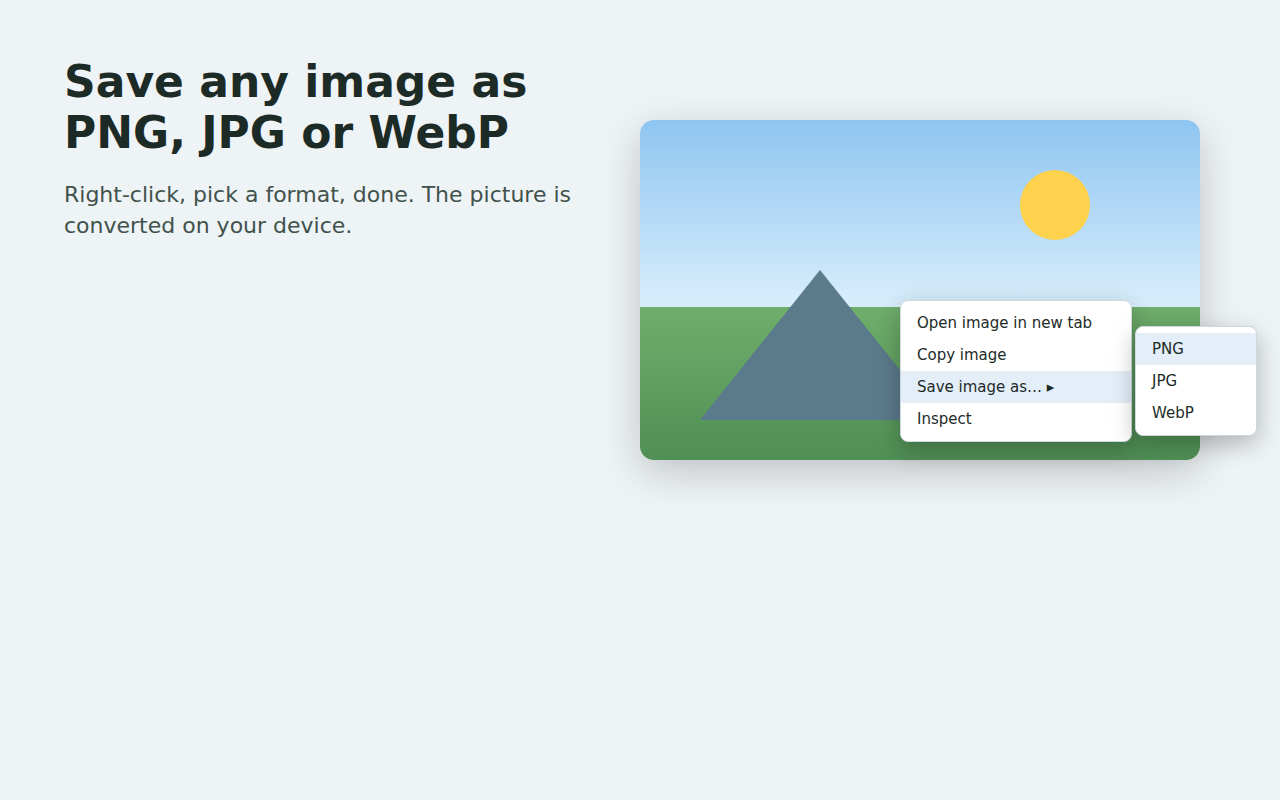
Right-click an image, choose Save image as, pick a format. The conversion happens on your device. It works like the Save image as Type extension that Google removed in March 2026, without the tracking.
What it does
Three formats
PNG, JPG and WebP from the right-click menu. Transparent images get a white background when saved as JPG.
WebP to PNG or JPG
Sites that serve WebP no longer force you to keep it. Save the same picture as PNG or JPG in one click.
On your device
The picture is fetched by your browser, converted in a hidden page of the extension, and handed to Chrome's download manager. Nothing is uploaded.
Save all (Pro)
One click on the toolbar button saves every sizeable image on the tab in the format you pick. Tiny icons and duplicates are skipped.
Quality and size (Pro)
Set JPG and WebP quality and shrink wide images to a maximum width.
File names (Pro)
Name files with {name}, {host}, {date} and {n}, and sort them into folders such as Images/{host}/{name}.
Private and low-permission
- Images that allow it are read directly. If a site blocks that, Chrome asks once for site access, only when you save such an image. You can decline.
- No accounts, no analytics, no ads, no tracking, no remote code.
- The only network call is the Pro license check. It runs when you open the toolbar popup or settings page, or use Save all. A plain right-click save never makes it.
Pricing
| Free | Pro, $6 one-time | |
|---|---|---|
| Right-click save as PNG, JPG, WebP | Yes | Yes |
| Save every image on a page | No | Yes, up to 100 per click |
| JPG and WebP quality | Fixed at 92% | You choose |
| Shrink to a maximum width | No | Yes |
| File name template and folders | Original name | Yes |
Checkout is handled by ExtensionPay and Stripe. No subscription.
Questions
Is this the old Save image as Type extension?
No. It is a new, independent extension by 1088 Labs with its own code. The older extension was removed from the Chrome Web Store in March 2026 after reports that it had been taken over and was injecting affiliate links. This one does the same job and shares nothing with it.
Why does Chrome ask for site access sometimes?
Some sites do not allow other pages to read their images. Chrome only lets the extension read those after you grant site access, which it asks for once, at the moment you save such an image. Decline and everything else keeps working.
Can I choose the download folder?
Chrome lets extensions save only inside your Downloads folder. Pro file name templates can create subfolders there.
Does it keep animation?
No. Animated images are saved as a single still frame.
Which browsers?
Built and tested on Chrome 148. Other Chromium browsers that install Chrome Web Store extensions may work.
Support
Email info@1088labs.com.